Product story · Tidal
Nine versions later
2025 · iOS · Design & development: Ji Xiang
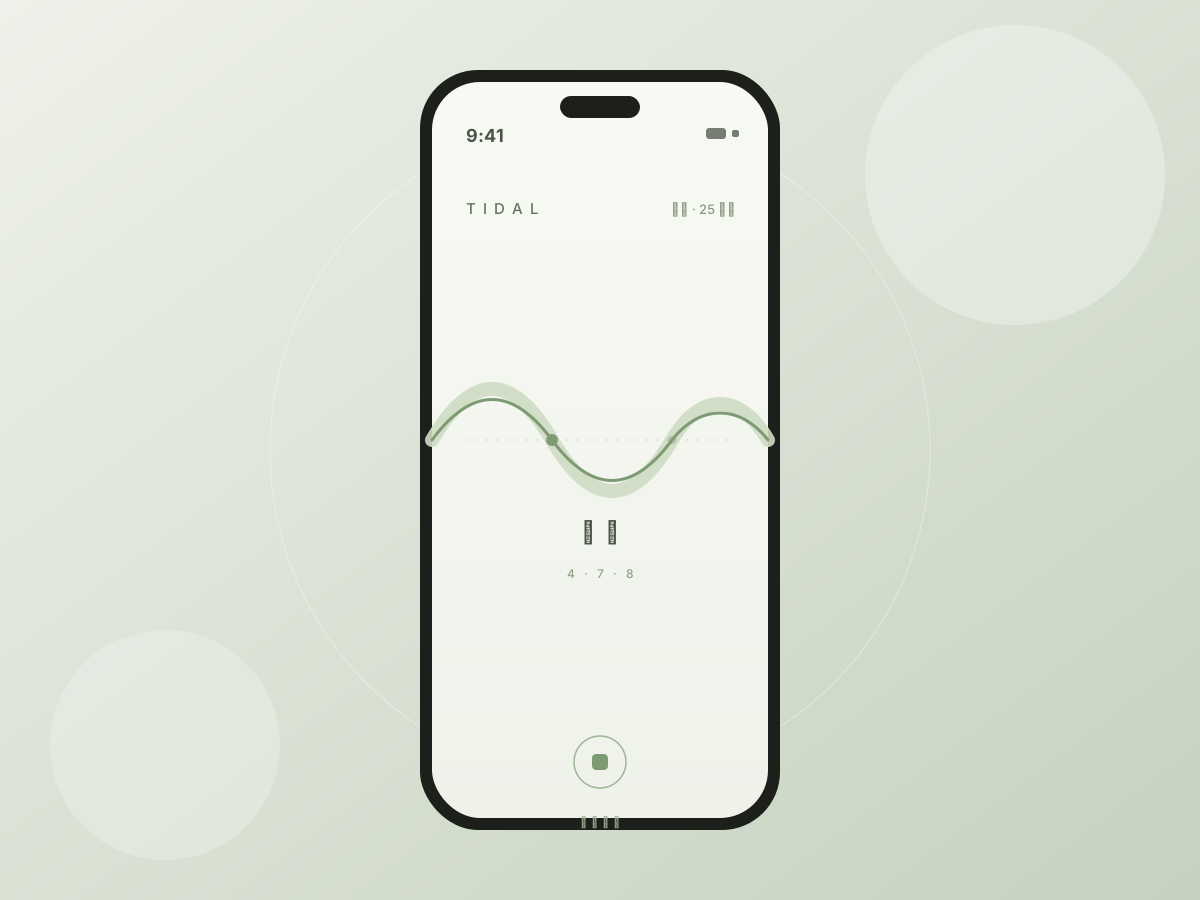
The first rule of Tidal was written at the top of the whiteboard: no time digits anywhere on screen.
It sounded arbitrary, but it forced us to rethink what “timing” actually is.
Why numbers create anxiety
Numbers are precise, and precision invites comparison. When the screen says “17:42 left,”
the mind does two things on its own: judging how much is left, and judging whether that pace is normal.
Both cost attention, and both cost it every time you look. Natural rhythms—breathing, tides,
changing light—are never calculated. People just fall in with them.
The first nine versions
The first version was a ring progress indicator. It worked, and it was boring—the gap in the ring
always points at the end, so it was still a countdown in a different shape. The second used particles:
too noisy. The third used a gradient mask: unable to show “in progress.” By the seventh, we had deleted
everything and left a single horizontal line.
Teaching a line to breathe
The curve is the product of two sine waves at different frequencies. The envelope never repeats exactly,
so it reads as a water surface rather than a mechanical loop. The pace is 4-7-8: inhale for four seconds,
hold for seven, exhale for eight. In testing, nobody asked how it worked. Two rounds and they followed along.
Good motion doesn’t make you notice the animation. It makes you notice the change.
A year after launch, the most common feedback was “it doesn’t rush me.” That was the review we most wanted.
Product story · Inkspace
Three weeks on Chinese typesetting
2025 · macOS · Design & development: Ji Xiang
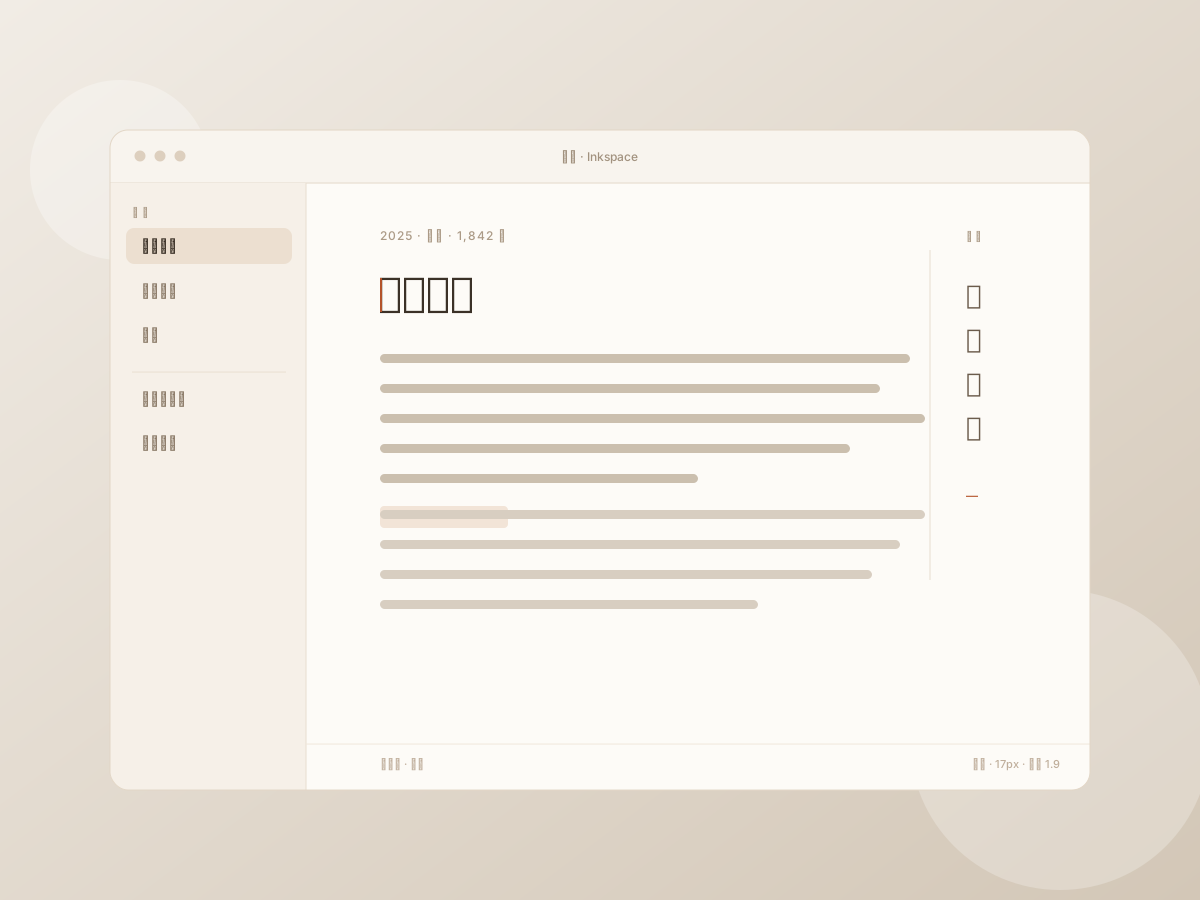
Choosing typefaces for Inkspace took three weeks, and eleven options were rejected along the way.
This page records the final decision, and why not the others.
Start from the scenario, not the aesthetics
Inkspace is a writing tool; people stare at long paragraphs for hours. So the criterion is not
“does it look good” but “can I read two thousand characters without strain.” Only three constraints:
body text at 16–18px, strokes that stay crisp, and Chinese and Latin that sit well together.
Serif or sans
In Song-style serif faces, thin horizontals and thick verticals give long text rhythm, but on low-resolution
screens the thin horizontals break up. Hei-style sans has even strokes and holds up on screen; the cost is
a little less breath. We made sans the default and kept a serif theme—people who write tend to have opinions
about these details.
Punctuation kerning and vertical setting
Chinese typesetting is more than putting characters on screen. Runs of commas and periods open up hollows,
so we built half-width punctuation kerning. Vertical text is not a block rotated ninety degrees: punctuation
positions, digit orientation, and Latin letter widths all have to be handled again. Those two features took
half of development.
Restraint
We did not build cloud sync. The first version had one local folder and a single automatic backup a day.
Make writing solid first; then talk about sync.
Choosing a typeface is choosing the one with the fewest problems under your constraints.
Product story · Raster
Starting from an eyedropper
2024 · Web · Design & development: Ji Xiang
Raster began with a small complaint: designers pull colors from a reference image quickly,
but turning a few colors into a usable scale is slow.
Pick color first, then compose
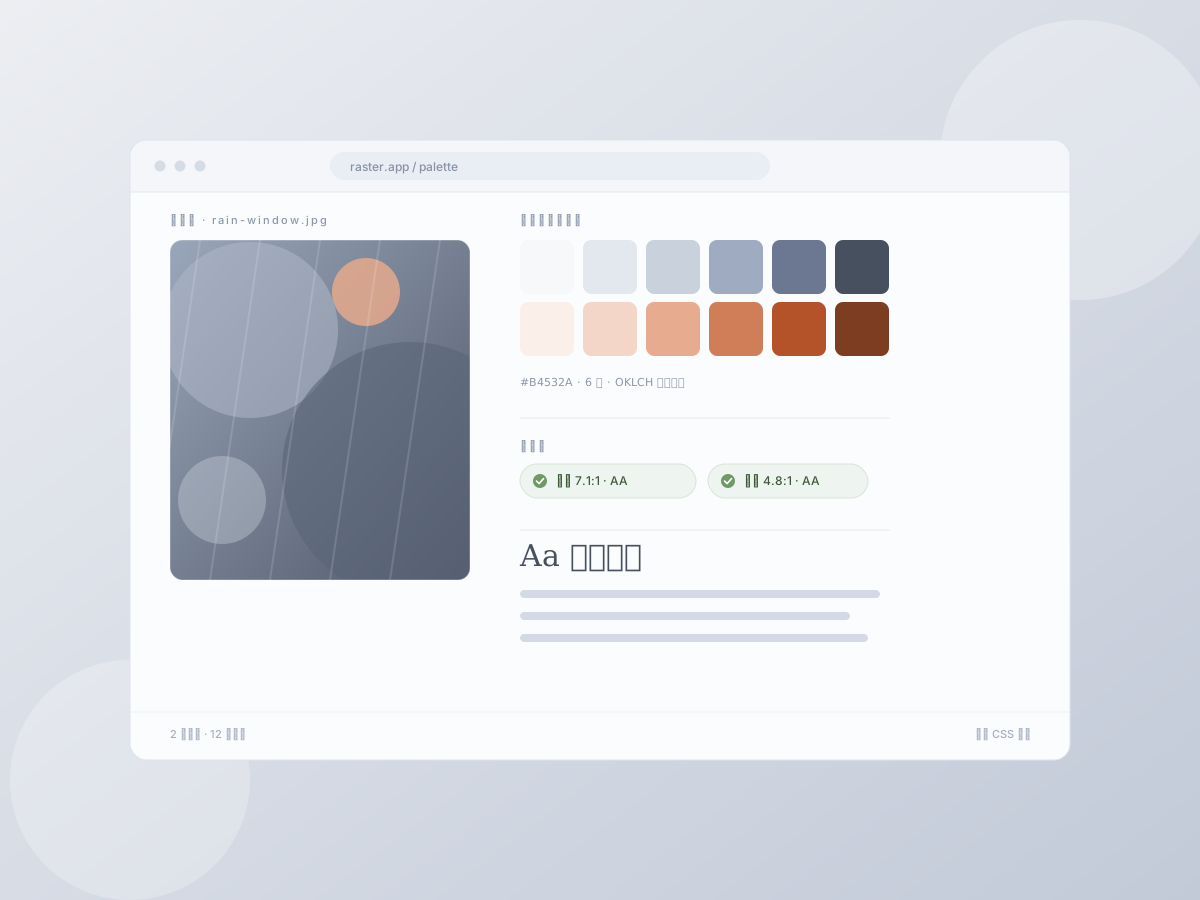
The first version did exactly two things: cluster six dominant colors out of an uploaded image,
and interpolate them evenly in OKLCH into a scale of any length. No AI, no “style suggestions”—
we could not have explained what those meant either.
The use we did not expect
After launch, the most common use was not generating from an image. It was pasting in a brand color
already in hand and checking it: is the body text dark enough, is the button contrast sufficient,
will it smear in dark mode. So we moved contrast checking from settings to the first screen.
What we don’t do
We tried automatic color suggestions. They looked good, but they gave no reasons—why this step for this
button? Something you cannot explain, designers will not trust, and will not use twice.
A tool earns its place by finishing the boring parts that must be exact.
Product story · Echo
A notes app with no account
2024 · Android · Design & development: Ji Xiang
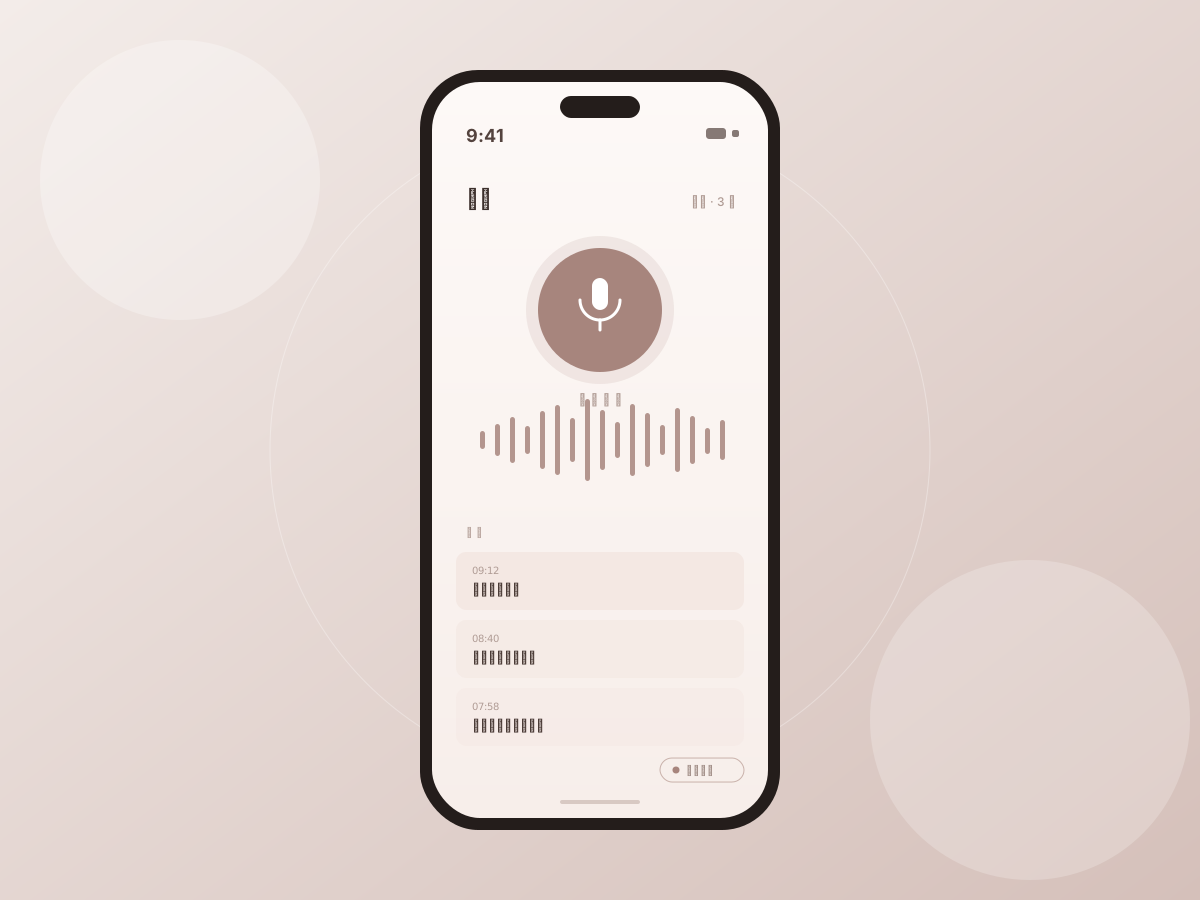
Echo has no account, no server, and no sign-up. Open it and record; it is saved on the phone.
The three-second cost
When an idea arrives, people will wait about three seconds. A login box, a permission prompt,
a loading screen—any step can lose them. So we made the first path as short as possible: press and record.
Local is the only source of truth
“Offline-first” is often understood as online sync with an offline cache. We don’t like that definition.
In Echo, everything is written to the local database first; sync happens in the background, and failing
does not affect use. The app behaves the same in any network state.
No timestamps
Conflicts are resolved with hybrid logical clocks: a counter orders changes within a device, and device
ids break ties. System time cannot be trusted—users change it, cross time zones. Merge on timestamps,
and sooner or later a new edit is overwritten by old data.
True offline-first makes the network an accelerator, not a precondition.
Transcription is on-device too. It is slower, but recordings never leave the phone.